$195 CAD
Plus applicable tax. Applies to supported Series X HDMI-port repair when the port or immediate HDMI circuitry is the issue.
Board-level Xbox HDMI-port repair for Series X, Series S, and other applicable Xbox HDMI repairs where support is confirmed.
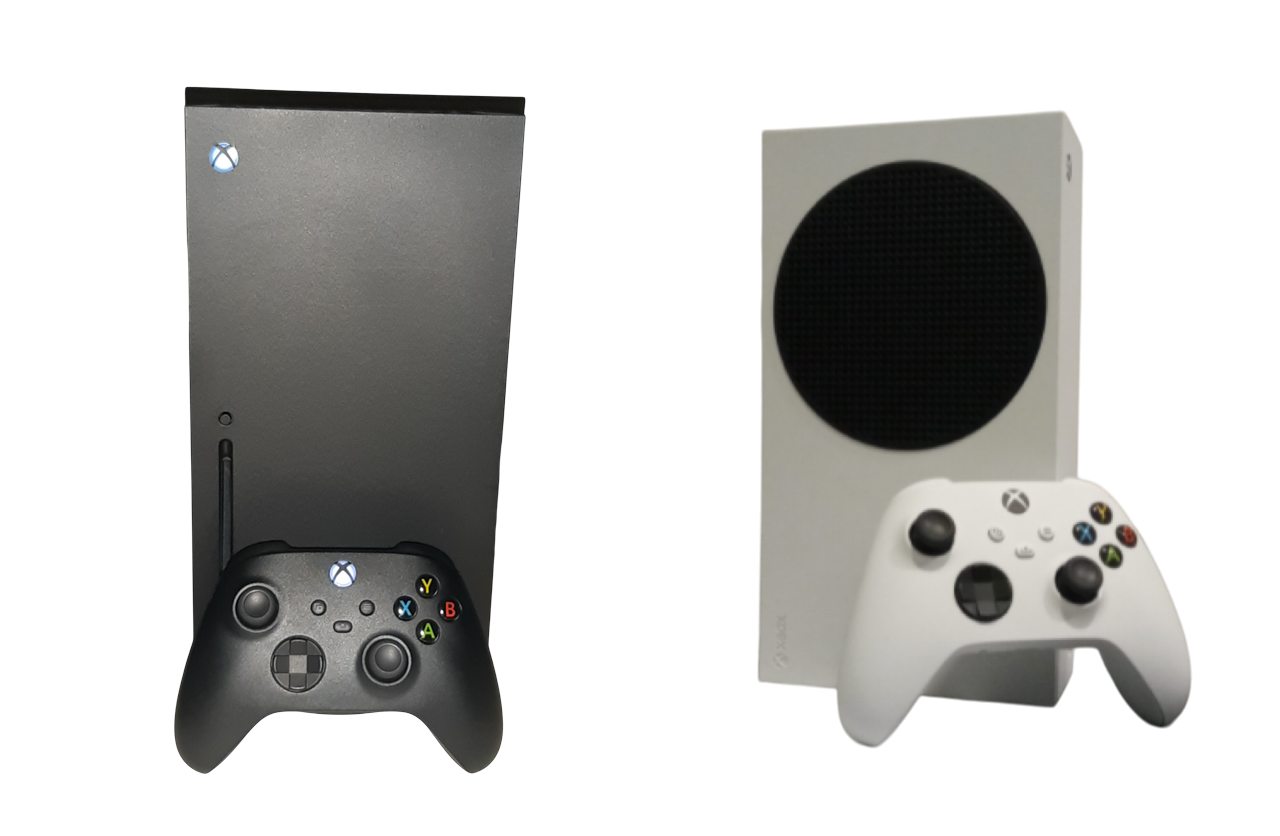
Plus applicable tax. Applies to supported Series X HDMI-port repair when the port or immediate HDMI circuitry is the issue.
Plus applicable tax. Also applies to other applicable Xbox HDMI repairs only where support is confirmed.
Prior repair damage, missing circuitry, encoder faults, liquid damage, surge damage, or unrelated no-video faults may require an updated quote.
Remove the damaged connector and install a replacement when board condition allows.
Inspect the port footprint, filters, support components, and nearby board area.
Includes normal connector-failure board work within the standard service scope.
Internal cleaning, fan, heatsink, and airflow-path cleaning as accessible during service.
Thermal Interface Material (TIM) inspection and renewal of the applicable factory thermal interface where required.
Functional video testing and careful reassembly after service.
The console powers on, but the display reports no signal or stays black.
The cable wiggles, no longer seats correctly, or video cuts when moved.
Bent pins, broken connector shell, or damage after impact.
Video flickers, drops out, or only works at certain cable angles.
Previous shop or DIY work may have left lifted pads, torn traces, or missing support components.
Encoder, support-circuit, liquid, surge, or motherboard faults can mimic HDMI failure.
Review model, symptoms, and visible connector damage.
Inspect the HDMI footprint, filters, and nearby circuitry.
Remove the damaged HDMI port and prepare the board.
Repair normal pads or traces where required and practical.
Install and solder the replacement HDMI connector.
Clean accessible dust paths and inspect factory TIM where required.
Reassemble carefully and verify video output.
Prior repair attempts, missing or lifted pads, torn traces, missing filters or support components, excessive heat damage, encoder faults, liquid damage, surge damage, or other motherboard faults may require work beyond fixed-price HDMI replacement. Findings are explained and quoted before additional restoration proceeds. No standard surcharge is implied.
Use Request Service to describe the model, symptoms, and repair history, or contact the shop directly by phone, text, or email.